




WhatsApp broadcast vs group: Which to use for business
Here are the key differences between WhatsApp Broadcast, Groups, and Business API. Learn which model fits your business needs, ensures compliance, and maximizes engagement, personalization, and ROI.

If you’re exploring WhatsApp marketing, you’ll quickly run into a common question: WhatsApp broadcast list vs group; what’s the difference, and which should you use for your business?
Both options let you send messages to multiple people through the WhatsApp app, but they work very differently. In this blog, we’ll break down what is a broadcast on WhatsApp, how groups function, and why the WhatsApp Business API is usually the better choice for small businesses and enterprises alike.
What is the difference between a WhatsApp broadcast and a group?
A WhatsApp broadcast is a one-to-many model. You can share updates with many contacts in one go, but each person receives it as a private 1:1 chat. Replies come back only to you, not the rest of the list.
NOTE: With conversational experience orchestration platform (Agent OS) you can send large-scale, personalized messages across multiple channels, including WhatsApp. Companies can create campaigns step-by-step, upload recipient lists, and use approved message templates to quickly compose messages. It supports personalizing messages by inserting customer-specific data from customer data platform.
Businesses can schedule message delivery, set time windows to avoid off-hours, and add SMS failover to increase delivery reliability. Built-in analytics help monitor delivery and campaign performance, making it easy to manage and optimize messaging at scale.
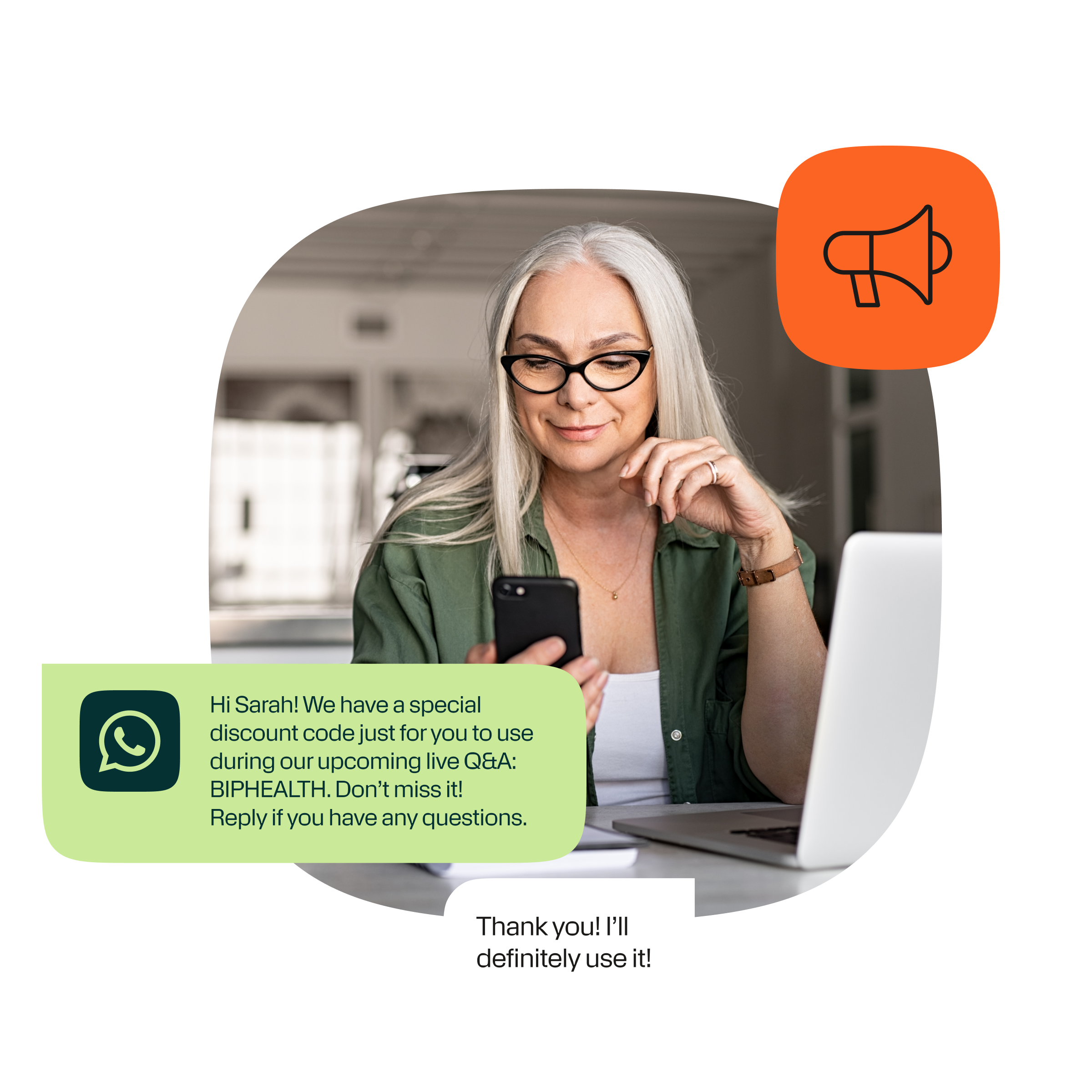
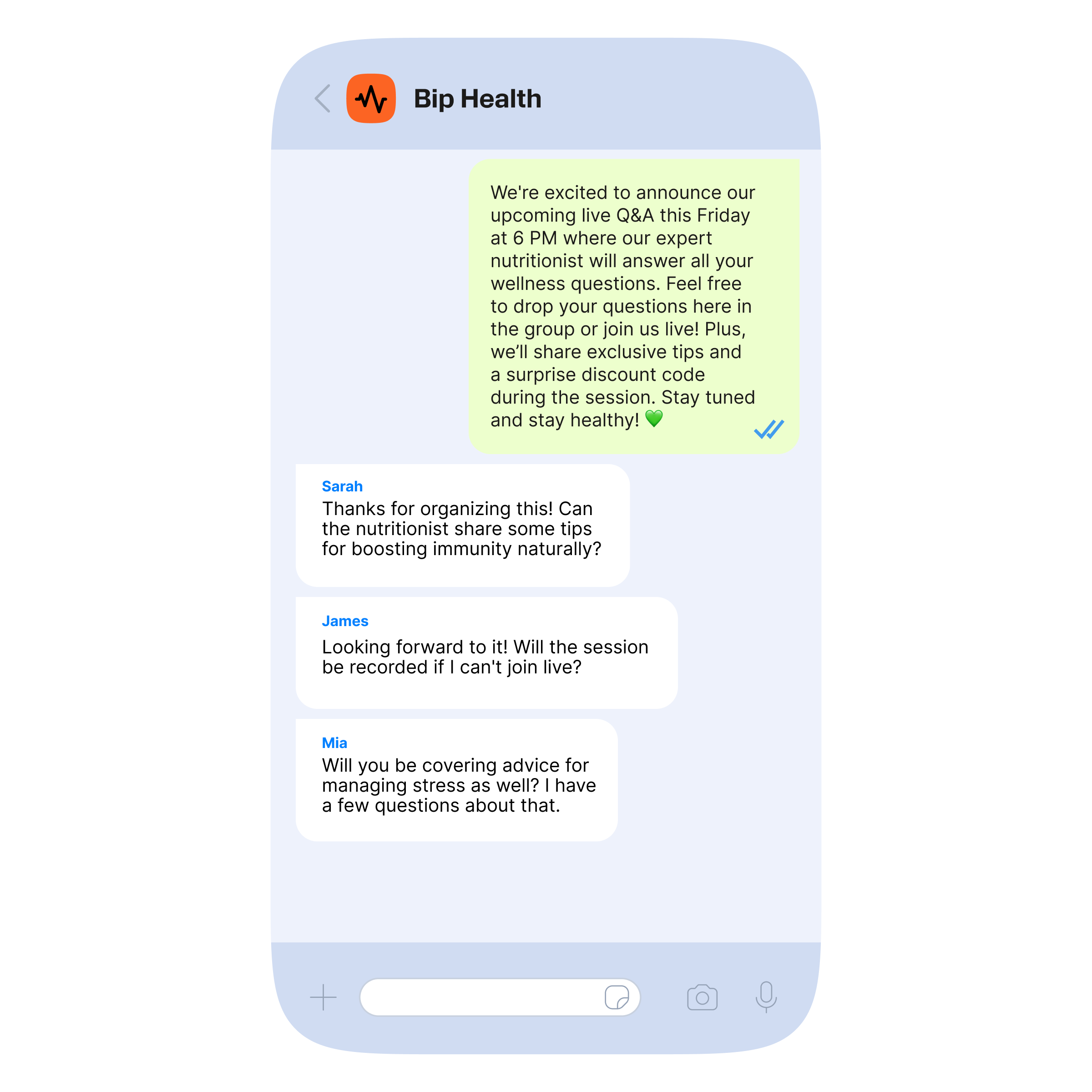
A WhatsApp group is a many-to-many chat. All group members can see messages, react, and reply in the same thread. Depending on privacy settings, they may also see each other’s phone number and name. Groups work well for community-style discussions, but not for controlled or private business communication.
Compliance and customer trust
Compliance plays a big role in choosing between WhatsApp broadcast vs group for business use.
- Sending promotional broadcasts too often or to unsaved contacts may lead to spam reports, hurting your account and message delivery.
- Groups reveal participant information, which can damage trust if people didn’t agree to share their details.
- The WhatsApp Business API requires template approval and explicit opt-in, making it safer for large audience engagement and customer support.
Safe patterns for regulated industries
Businesses in healthcare, finance, or other regulated sectors need extra care:
- Manage Personally Identifiable Information (PII) carefully
- Maintain consent records and audit trails proving compliance with laws like GDPR or HIPAA
- Use API-based messaging to ensure data protection and message traceability
Watch this 3-minute video and learn how to send WhatsApp messages with Infobip API:
Broadcast list vs group vs Business Platform (API): Side-by-side comparison
| Feature | WhatsApp broadcast | Whatsapp group | WhatsApp Business API |
|---|---|---|---|
| Reply model | Private replies to sender only | Many-to-many | Private, 1:1 per recipient |
| Privacy | Recipients see only their thread | Group members see each other | Full message control and compliance |
| Recipient requirement | Must have saved your phone number | None | Explicit opt-in required |
| Member/recipient cap | 256 per WhatsApp broadcast lists | 1,024 group members | Virtually unlimited, scalable |
| Analytics | None | None | Delivery, read, CTR, conversion tracking |
| Personalization | Limited/manual | None | Full template-based personalization |
| CRM integration | No | No | Full API integration |
| Compliance posture | High risk if misused | Risky privacy exposure | Approved templates, opt-in, audit-ready |
| Scalability | Limited and manual | Limited by group size | Designed for scale and automation |
| Moderation effort | Low | High | Managed via workflows and automated rules |
| Best use cases | Small announcements | Community chats & internal ops | Marketing, notifications, support, sales |
NOTE: Consumer broadcasts and groups are for basic needs. Businesses that want reliable, real-time communication at scale should turn to the WhatsApp Business API.
Choosing the right path: A practical decision tree
Picking the right approach ensures your WhatsApp messages reach the right audience while staying compliant and efficient.
- For one-way announcements at scale, avoid personal WhatsApp broadcast lists; instead, use WhatsApp Business API templates or Channels.
- For engaging customers in conversation, create WhatsApp groups with clear rules and moderation.
- For personalized notifications such as order updates, rely on API templates that support dynamic content.
- For structured customer support, combine API messaging with team inbox workflows.
- If you want to create a WhatsApp broadcast to share updates, consider whether consumer broadcast is sufficient or if the Business Platform offers more scalable and compliant options.
When neither broadcast nor group is right: Alternatives built for business outcomes
When neither WhatsApp broadcast nor group aligns with your business needs, consider these enterprise-grade alternatives:
1. WhatsApp Business Platform template messaging (API)
This option is ideal for businesses that need to send one-to-many messages at scale while maintaining compliance. Templates are pre-approved by WhatsApp, can include personalized variables (like customer names or order details), and are fully trackable. Using templates ensures messages are delivered only to opted-in contacts and allows businesses to monitor delivery, read rates, and conversions.
2. WhatsApp Channels
Channels are designed for one-way communication with large audiences. Followers can receive updates, promotions, or announcements, but they cannot reply. This makes Channels perfect for sharing news or broad updates without managing conversations or exposing recipient information.
3. Click-to-WhatsApp ads
Click to WhatsApp ads are a proactive way to acquire new, consented leads. When someone clicks the ad on Facebook, Instagram, or other platforms, it opens a WhatsApp conversation with your business. This creates an opt-in entry point for lead generation. That way you can engage potential customers directly while staying compliant with WhatsApp app’s messaging rules.

How to operationalize WhatsApp messaging with Infobip
Use Infobip’s WhatsApp Business Platform for compliant, large-scale message delivery:
- Orchestrate proactive and reactive flows using customer engagement solution, including triggers, timing, and failover options.
- Manage customer conversations efficiently in cloud contact center, offering team inbox, routing, SLAs, and quality assurance in the chat tab.
- Unify data and segmentation with customer data platform for advanced targeting and personalization.
Implementation quick start
To get your WhatsApp messaging up and running smoothly, follow these steps:
- Connect your WhatsApp Business Account (WABA) with Infobip.
- Define and capture explicit customer opt-in.
- Submit and get message templates approved.
- Map target audience segments.
- Launch personalized campaigns or journeys.
- Monitor KPIs and optimize performance.
Governance, measurement, and continuous improvement
Track key performance indicators (KPIs) such as:
- Opt-in growth rate
- Message delivery and read rates
- Click-through rates and response volumes
- Resolution time and customer satisfaction (CSAT)
Maintain:
- Template hygiene, frequency caps, and messaging quiet hours
- Language and localization best practices
- Moderation playbooks for groups and contact hygiene for WhatsApp broadcast lists
To gain comprehensive insights and continuously optimize your WhatsApp messaging efforts, focus on building reporting views that include:
- Campaign performance dashboards
- Cohort engagement and retention analytics
- Complaint and opt-out trend reports
Transitioning from basic WhatsApp features to enterprise solutions
If you’re moving from basic WhatsApp features to an enterprise platform, follow these key steps:
- Transition informal groups into moderated communities with support routing.
- Replace WhatsApp broadcast lists with WhatsApp Business API template messaging featuring segmentation and analytics.
- Plan sunsetting of outdated workflows with customer consent refresh and education campaigns.
Final take: Pick the model that matches the job
The best WhatsApp messaging model depends on your business goals. WhatsApp Groups are ideal for community interactions or internal team collaboration, while WhatsApp Business API templates provide scalable, personalized one-to-one messaging for marketing, notifications, and customer engagement. WhatsApp Channels work best for one-way announcements where replies aren’t needed.
For larger-scale communication, consumer broadcasts and group chats often fall short in efficiency and reach. The WhatsApp Business Platform overcomes these challenges by offering automation, compliance, analytics, and reliable performance for enterprise-level messaging.
FAQs about WhatsApp broadcast vs group
Design conversational customer journeys with the WhatsApp Business Platform

Keep reading about WhatsApp:

McDonald’s Brazil: Beyond the golden arches into a new era of CX innovation.
Golden arches. Smarter conversations. Find out how McDonald's Brazil is using WhatsApp Business and chatbot automation to turn every order into a personalized experience.
WoomAI: How conversational AI is turning one-day events into year-round communities.
The B2B event industry has a communication problem. It sends emails delegates do not open, builds apps they do not download, and hangs signage they walk past. Then the event ends, and the conversation stops entirely.

Hrvatski Telekom: What a simple fleet management chatbot can teach telcos about selling.
Hrvatski Telekom built an internal WhatsApp chatbot for company car management with no developer budget and a drag-and-drop tool. The result: 600 sessions, 75% engagement, and a customer proof point they can rely on.

Enterprise AI chatbots in 2026.
Learn what an enterprise AI chatbot is, how it differs from an AI agent, and what to look for in an enterprise-ready platform in 2026.
Timezone: Transforming offline entertainment with digital customer engagement.
See how Timezone partners with us to build real-time engagement that turns every store visit into a lasting customer relationship.
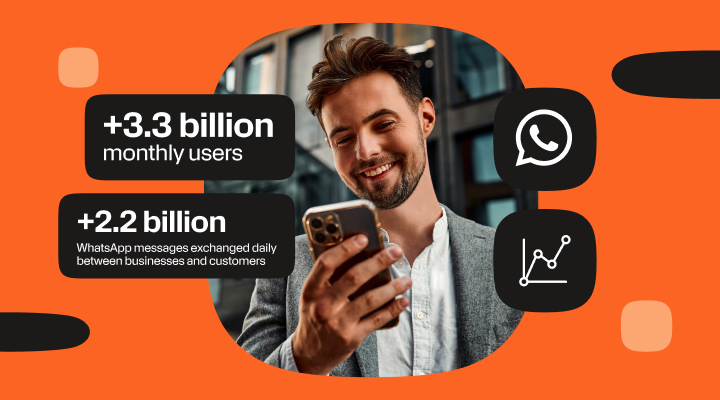
WhatsApp statistics 2026: Global usage & market overview.
Explore the most updated WhatsApp statistics, covering global usage, engagement, demographics, and business adoption trends for 2026.
WhatsApp for government services: The future of citizen engagement .
Learn how WhatsApp helps governments modernize citizen services with secure messaging, automation, and real-time, two-way communication at scale.

How to design and build a WhatsApp chatbot – with examples.
Learn how to build a WhatsApp chatbot step by step, from API setup to AI agents. Includes real business examples, pricing, and platform tips.
WhatsApp news and updates (2026).
Every major WhatsApp feature launch from Q3 2025 through Q1 2026, explained clearly for businesses ready to put them to use.
Add a WhatsApp button to your website: Easy set up guide for 2026.
Learn how to add a WhatsApp chat button to your website. WordPress, HTML, and website builders supported, easy setup, benefits, features, and best practices.
WhatsApp shop: How to create a WhatsApp store and sell in chat.
Learn how to create a WhatsApp Shop and sell directly in chat. Step-by-step guide to WhatsApp store setup, eCommerce integration, catalogs, payments, and website integration.
How to verify your WhatsApp Business Account (2026 guide).
Learn how to verify your WhatsApp business account and get blue tick verification. Understand the requirements, application process, and how Infobip can help your business become an Official WhatsApp Business Account.

Best WhatsApp API providers for business in 2026.
Big conversations need the right engine. In this guide, you will discover the top WhatsApp API providers for 2026, what sets them apart, and how to choose a platform that grows with you, not just for you.

WhatsApp marketing automation: Promotional messages, setup, templates.
WhatsApp marketing automation for promotional messages, with setup steps and templates. Comprehensive tools comparison and best practices used in 2026.

WhatsApp newsletter guide [Create & send WhatsApp newsletter].
A WhatsApp newsletter allows businesses to share updates, promotions, and important information directly within a familiar chat environment.
WhatsApp Business numbers & virtual numbers guide (2025).
Learn how to get, verify, and manage your WhatsApp Business number using the WhatsApp Business App or Platform. Explore types of numbers, setup steps, best practices, troubleshooting, and how Infobip helps scale your messaging.

UM: Turning every marketing campaign into a two-way conversation.
How full-service agency UM helps create meaningful conversations between brands and their customers, turning campaigns from something that’s seen into experiences that audiences actively engage with.

How businesses use WhatsApp API: Best use cases and examples.
Many businesses today ask how to use WhatsApp for business. Customer communication has shifted. Email feels slow. Phone calls feel heavy. Messaging feels natural.
Qpon: Redefining local life services with digital communication.
Discover how Qpon has been leveraging channels such as WhatsApp and SMS to stay connected with its customers and provide a better experience.